Keyboard first
Review a burst without touching the mouse. Auto-advance jumps to the next frame.
KKeepXDiscardAAuto
RReviewed←→Navigate⌘ZUndo
AI photo culling · 100% on-device
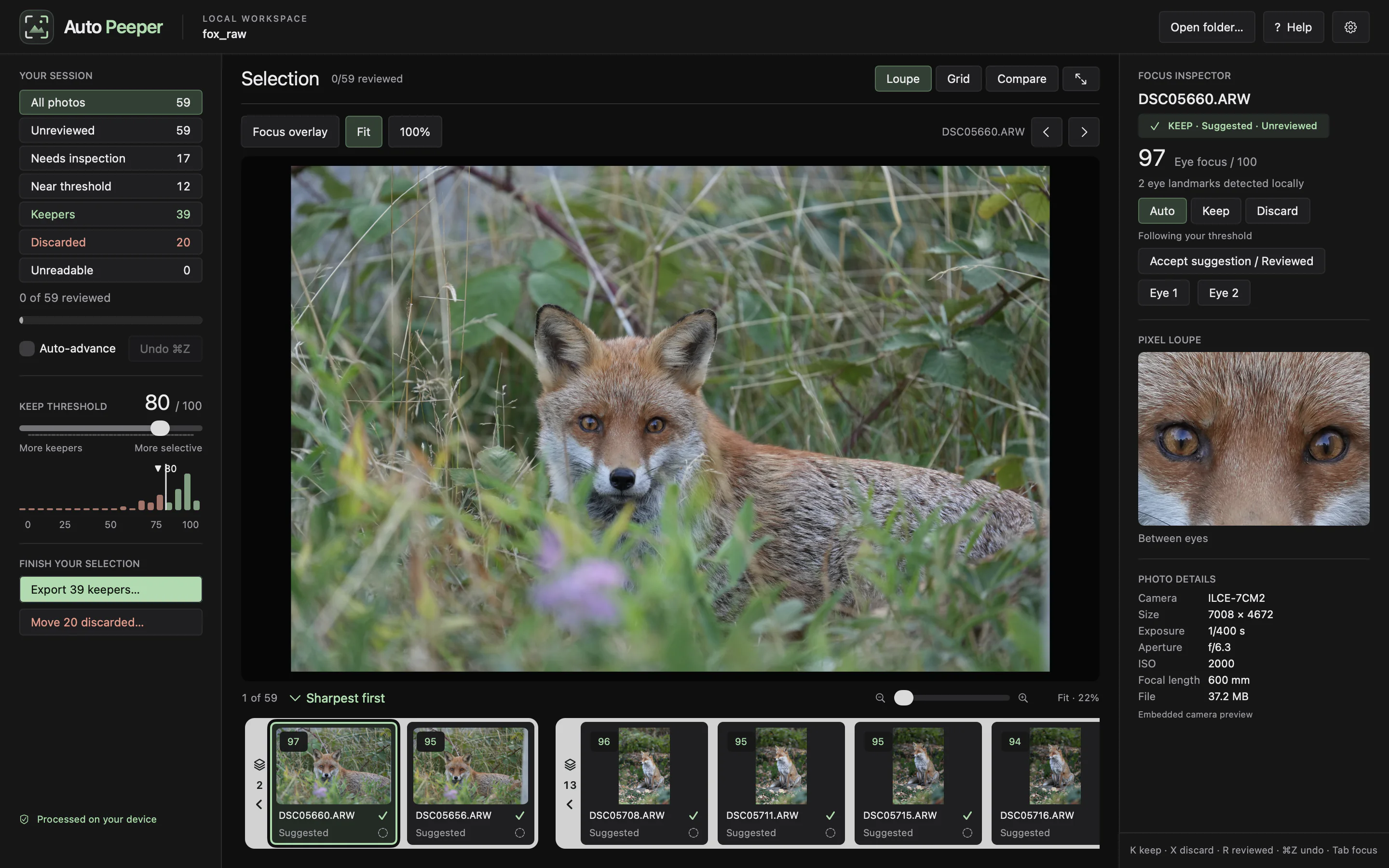
Loupora finds the subject, locates its eyes and scores focus right there. Bursts become stacks. Frames compare eye to eye.
01 · Subject detection
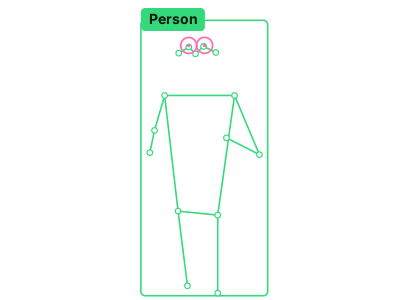
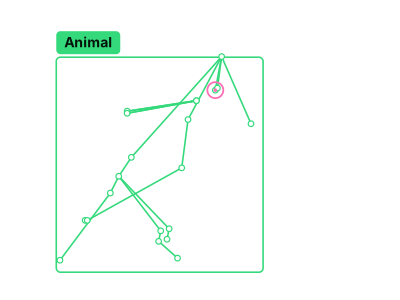
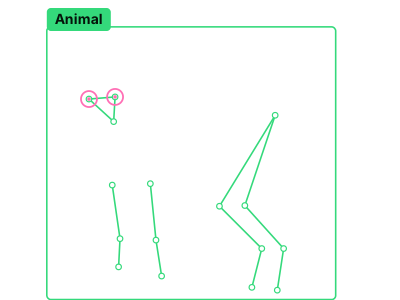
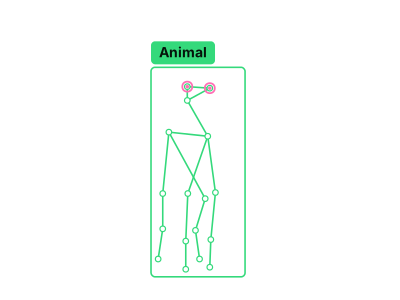
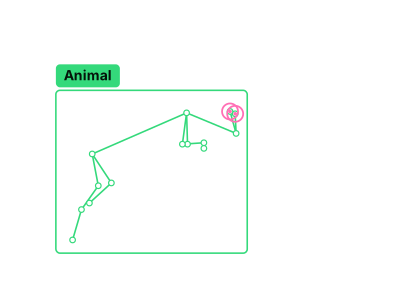
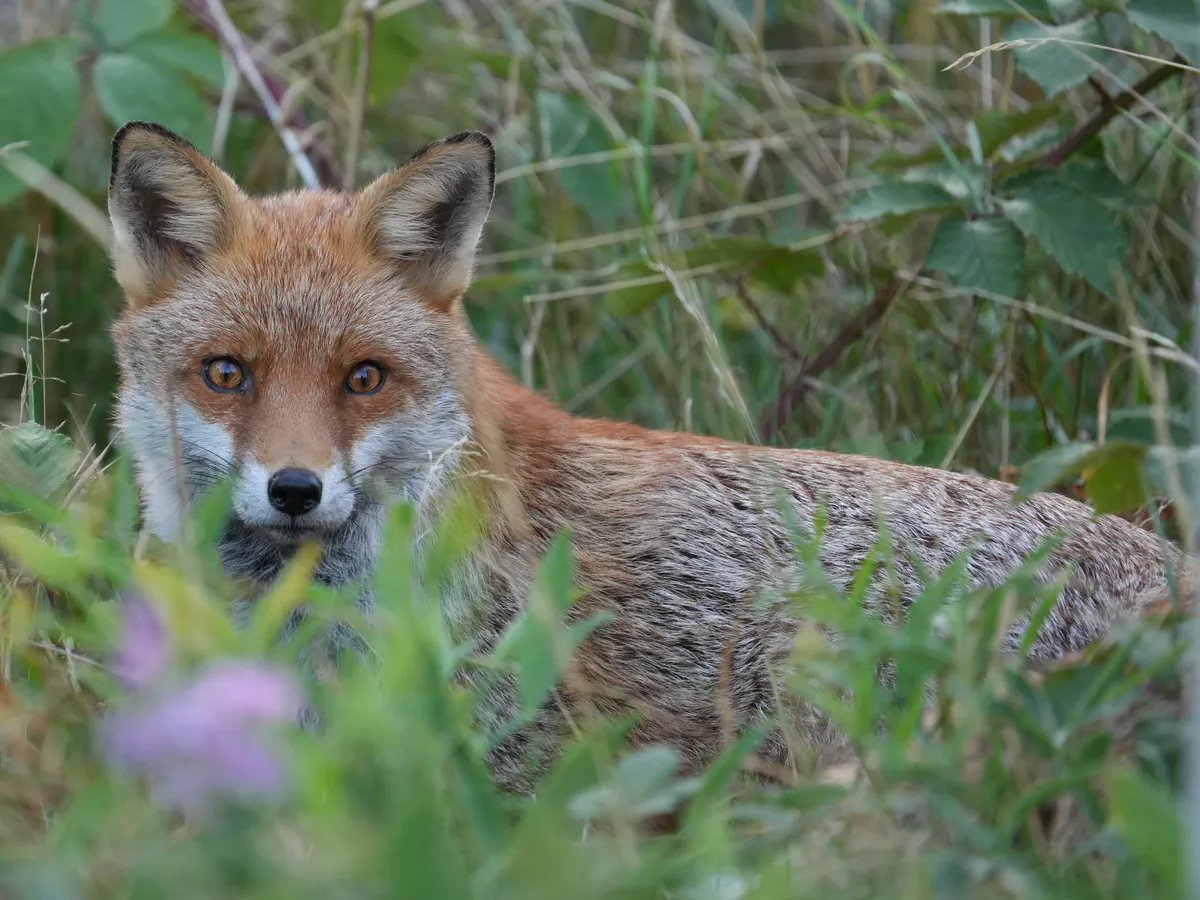
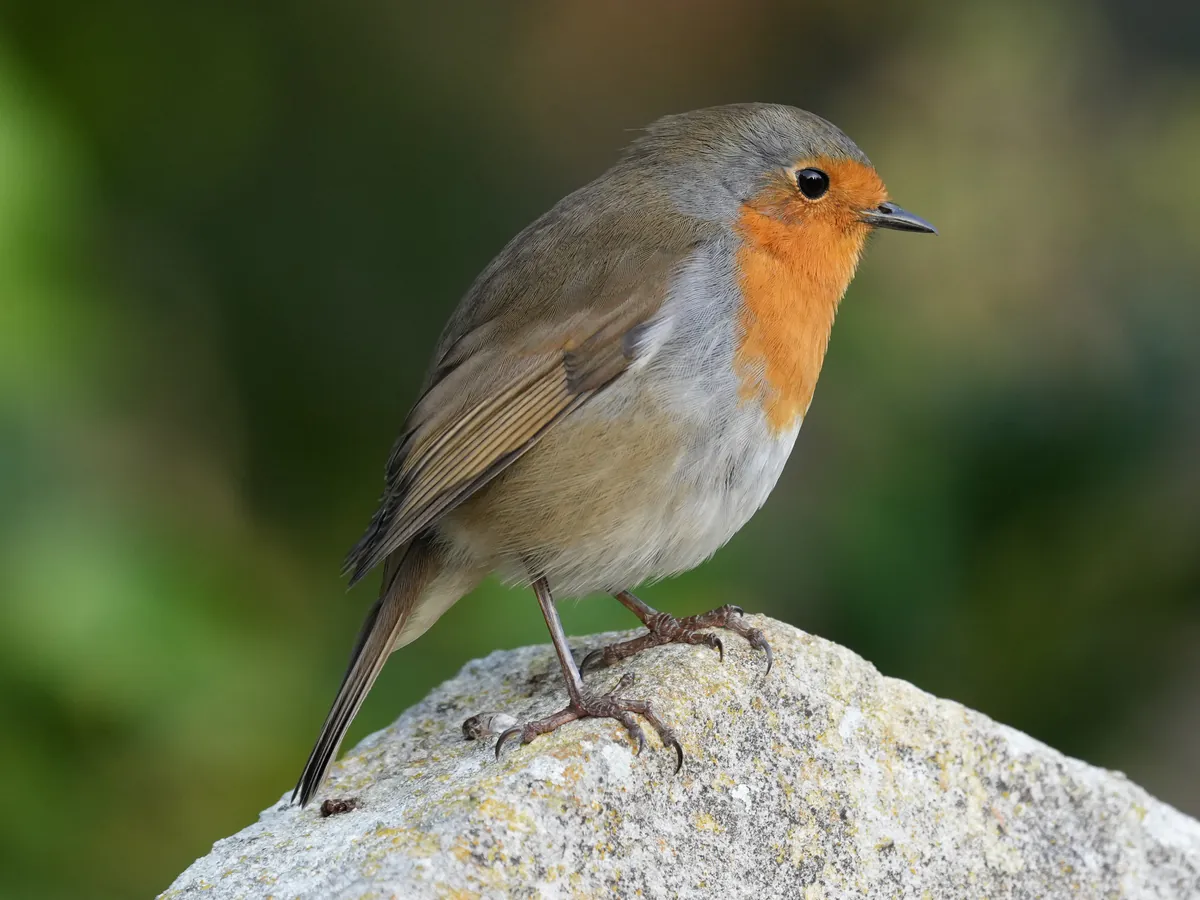
Finds the main subject, then its eyes, with dedicated models for people, mammals and birds.
 Animal
 Animal
People, wildlife and vehicles. Real subject boxes, eye landmarks and animal poses from Loupora.

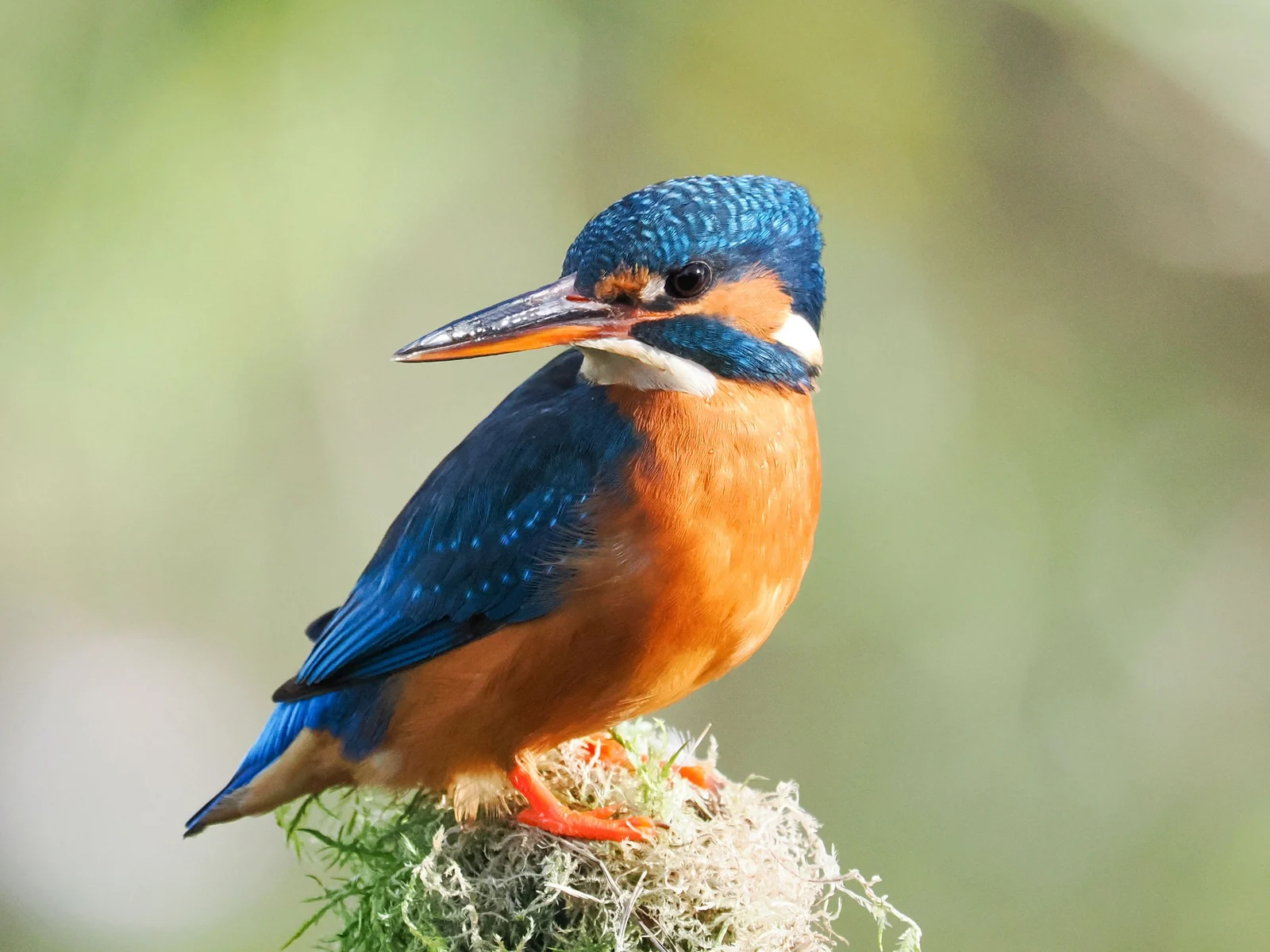
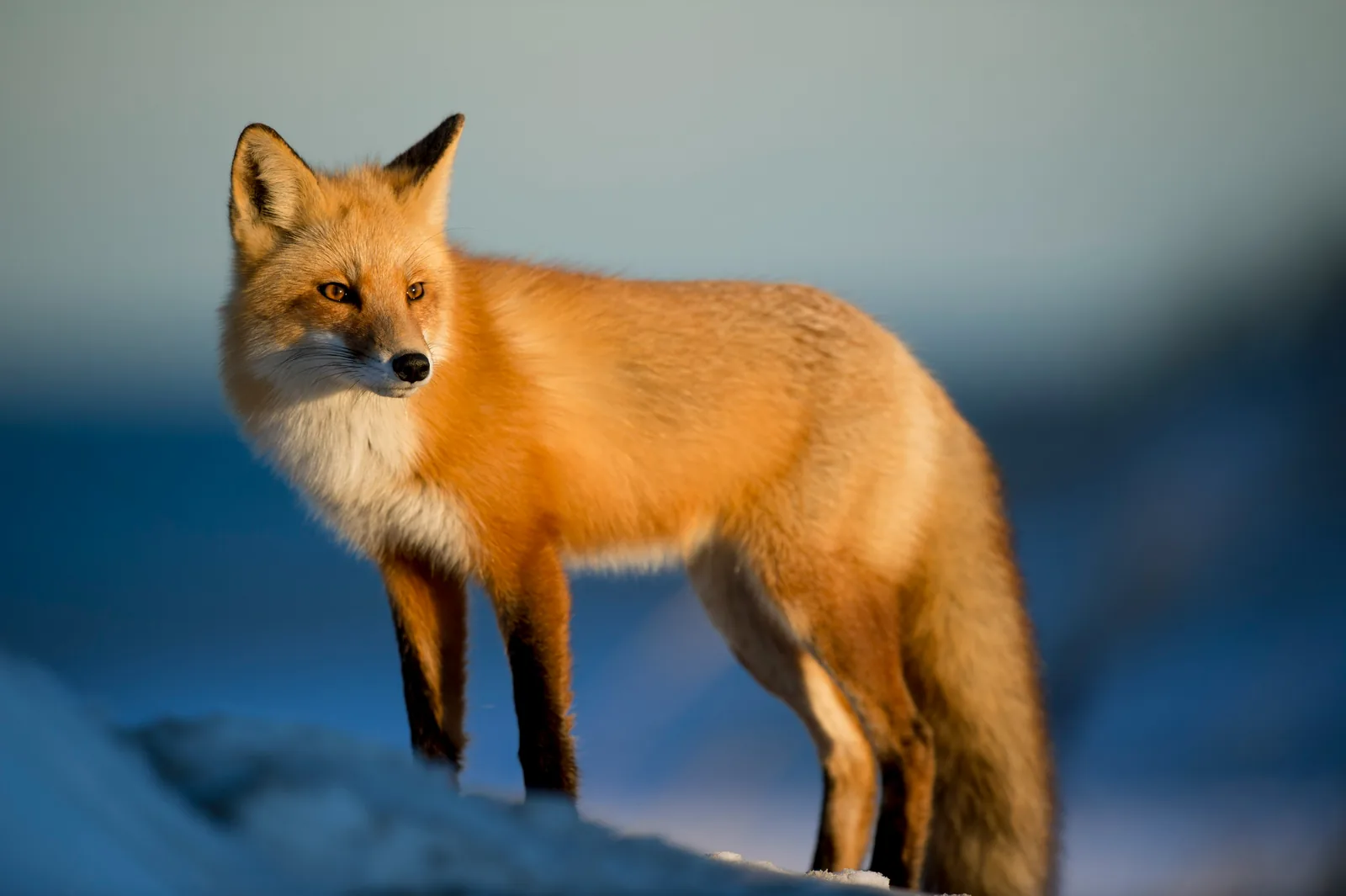
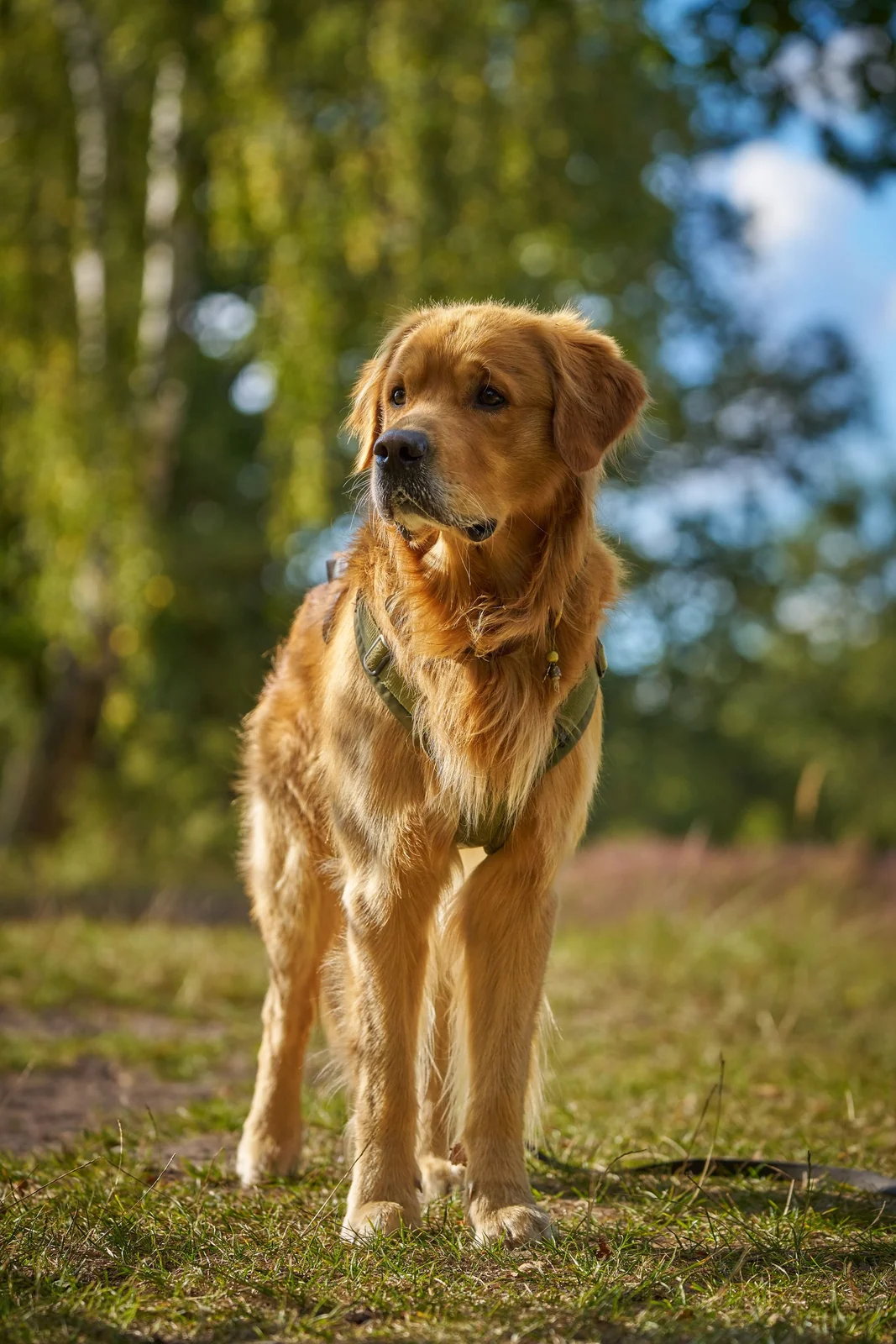
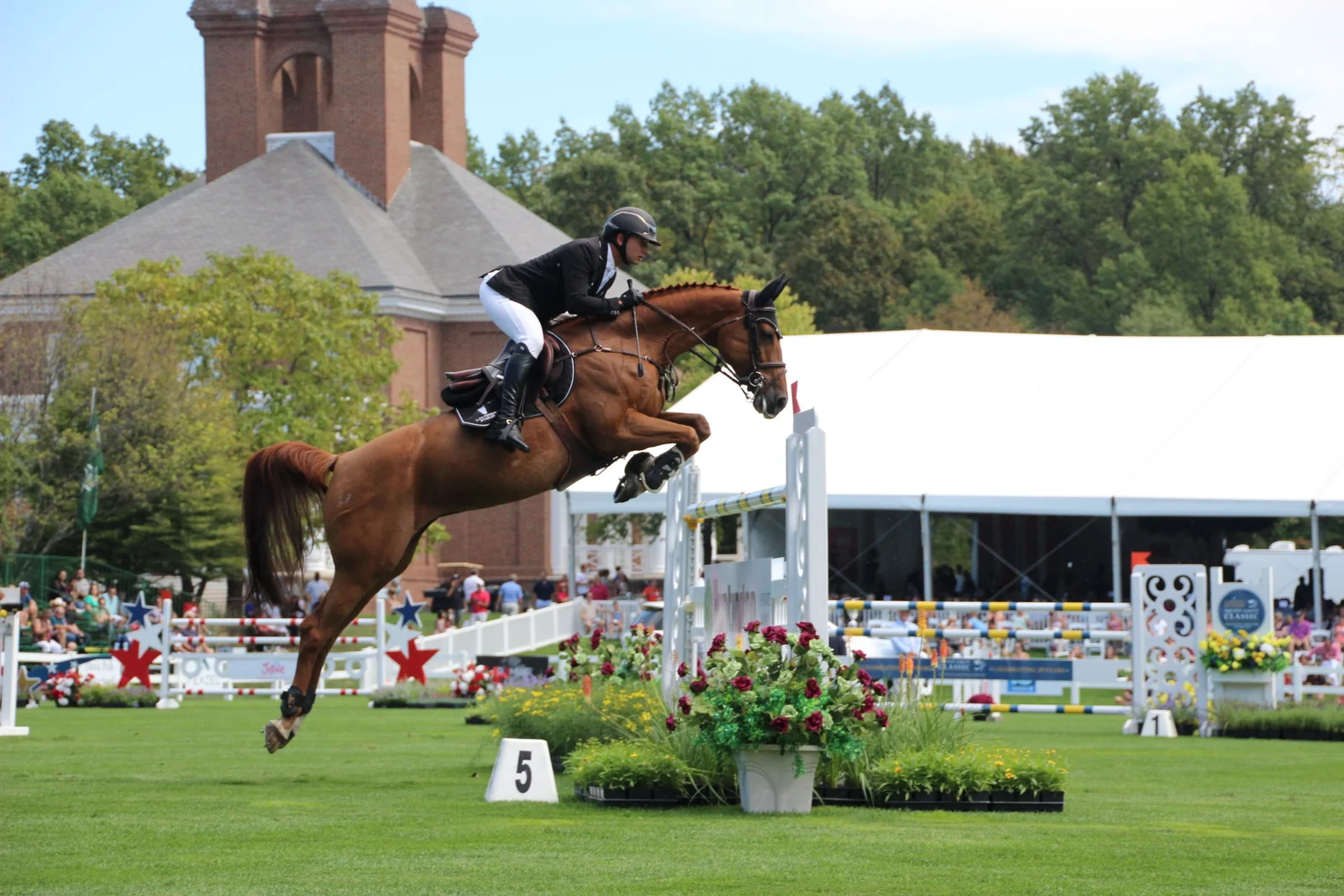
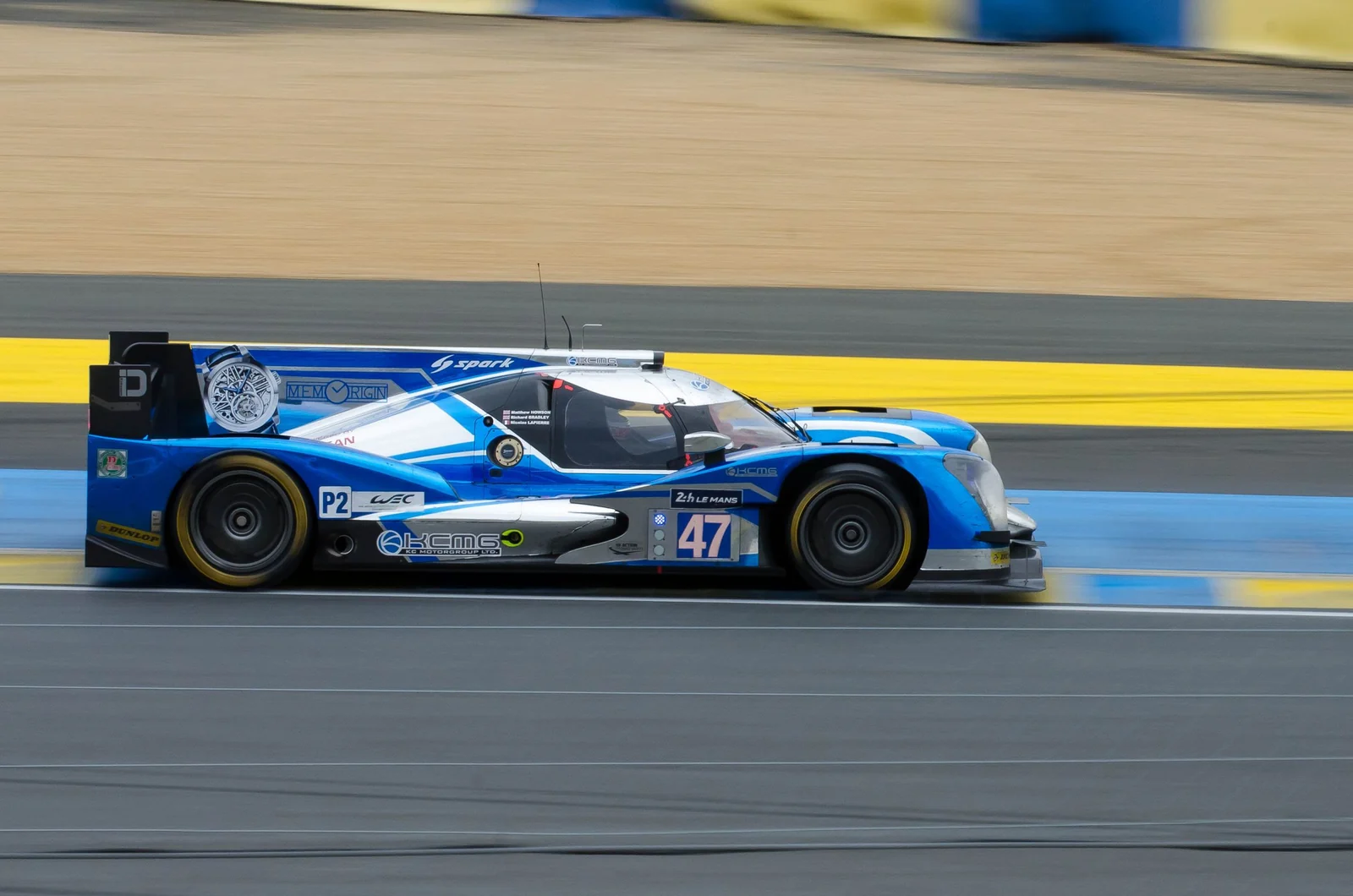
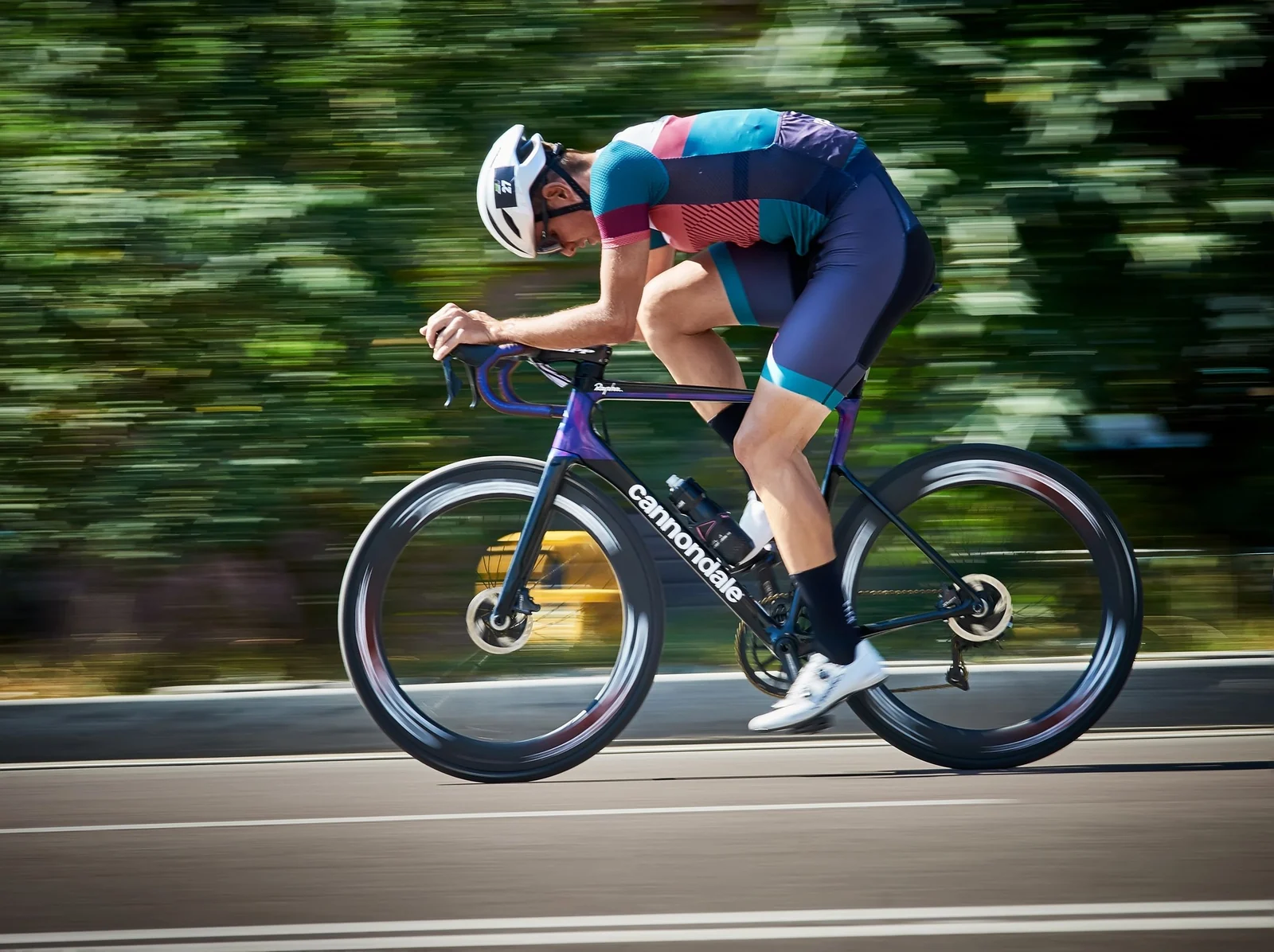
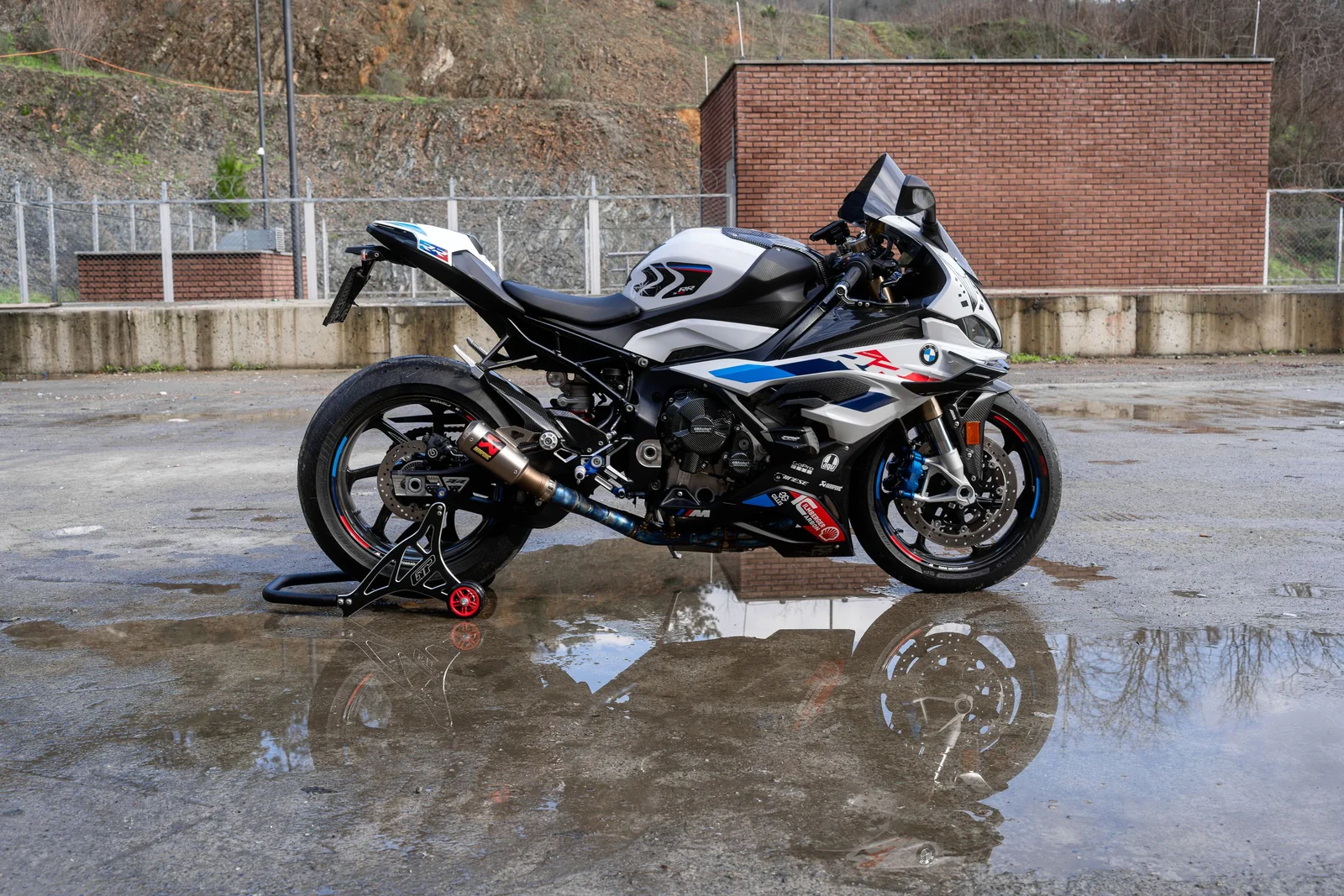
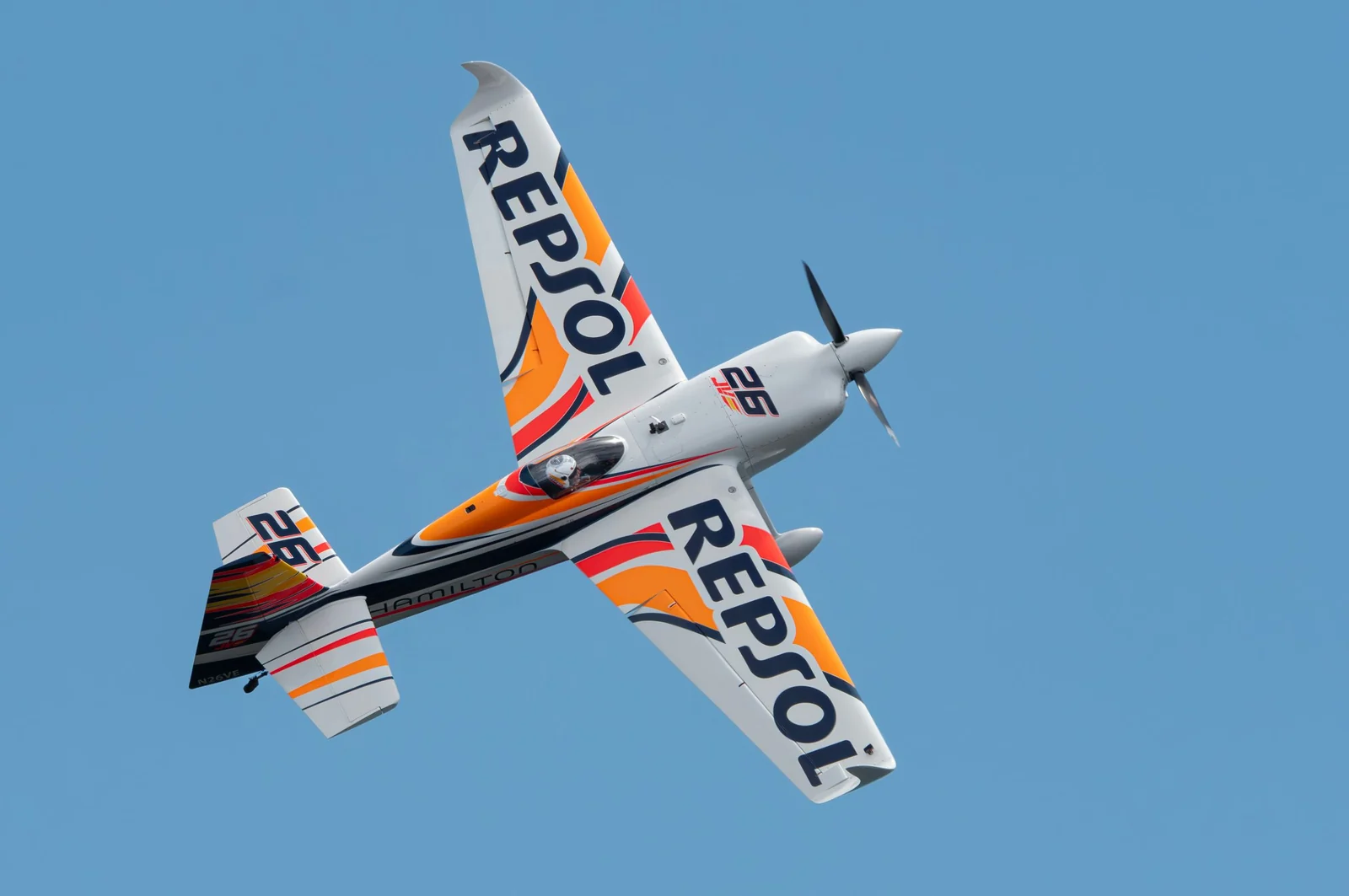
Analyzed locally with Loupora.
02 · Sharpness scoring
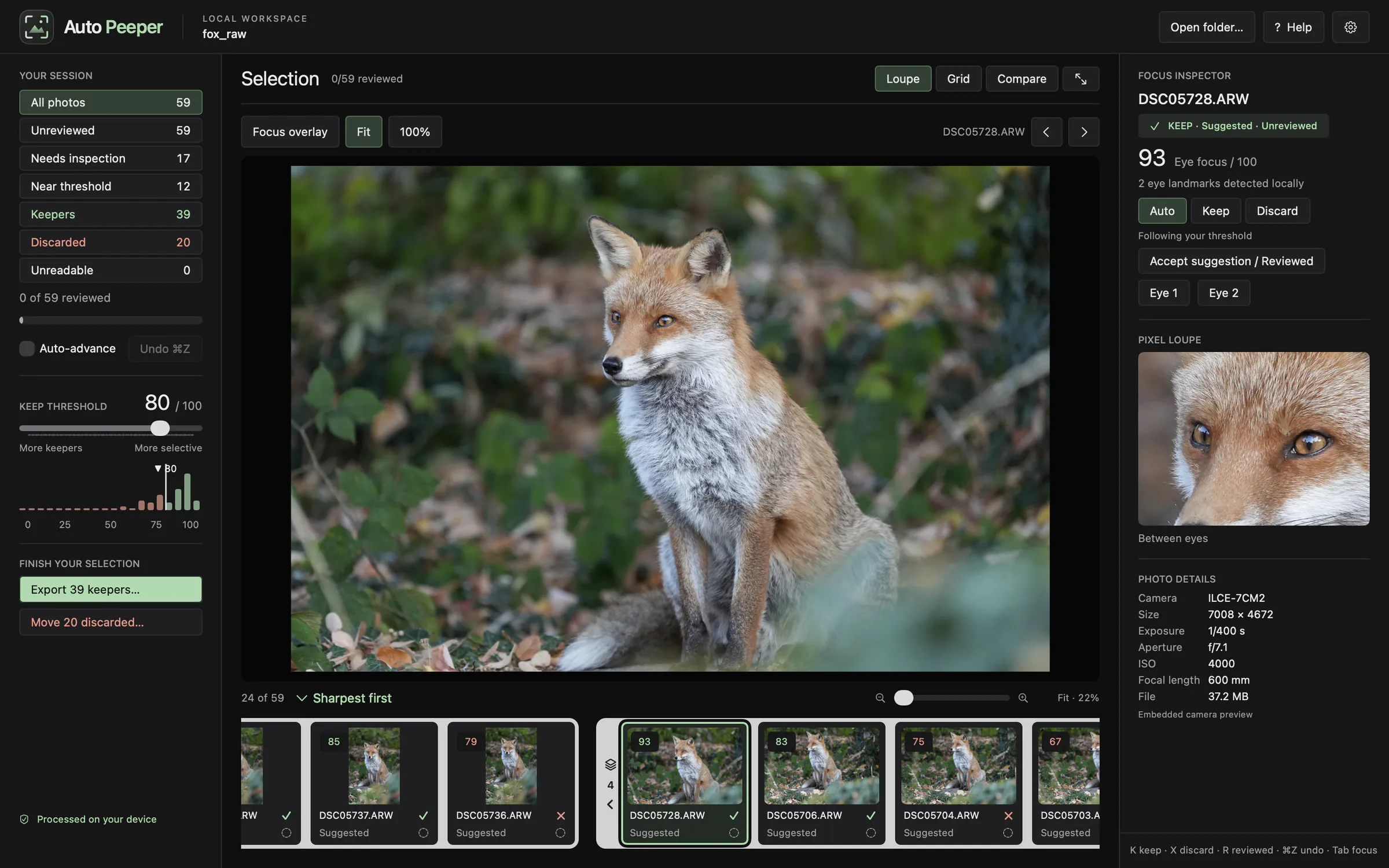
85% of the score comes from fine detail between the eyes, measured on full-resolution pixels. A sharp tail can't rescue soft eyes.
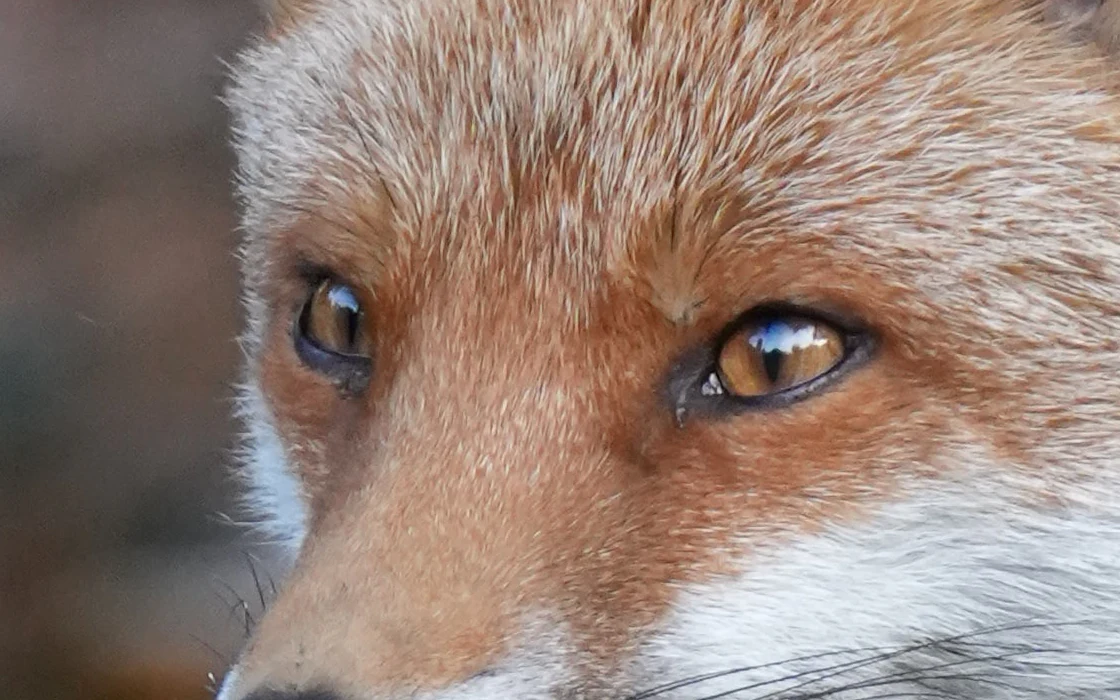
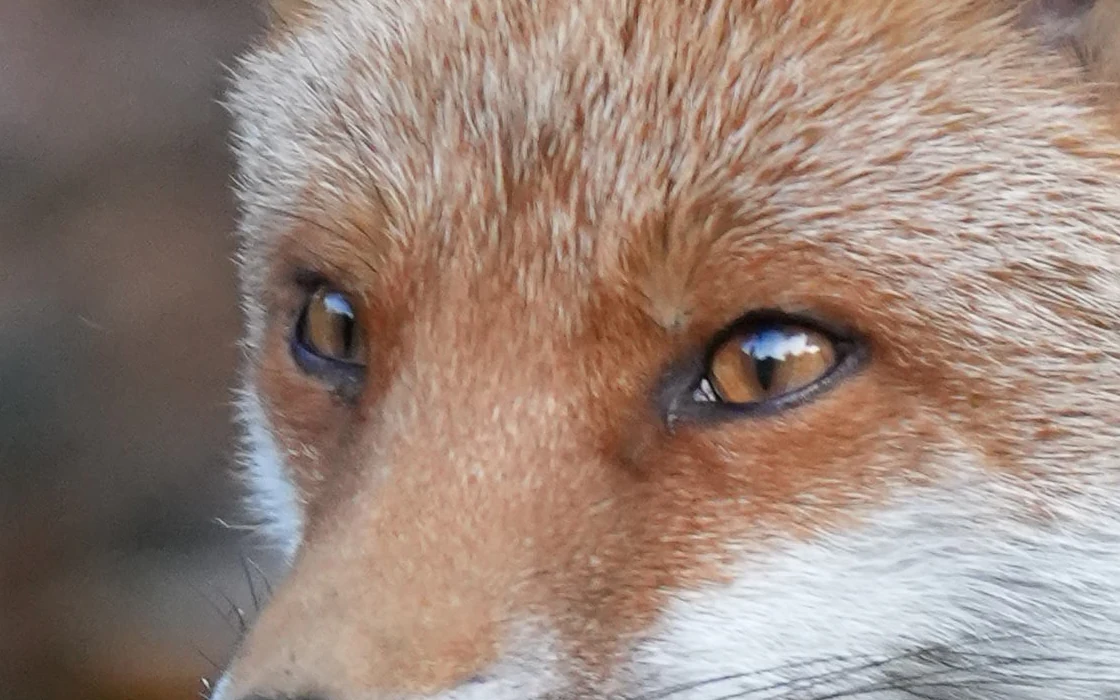
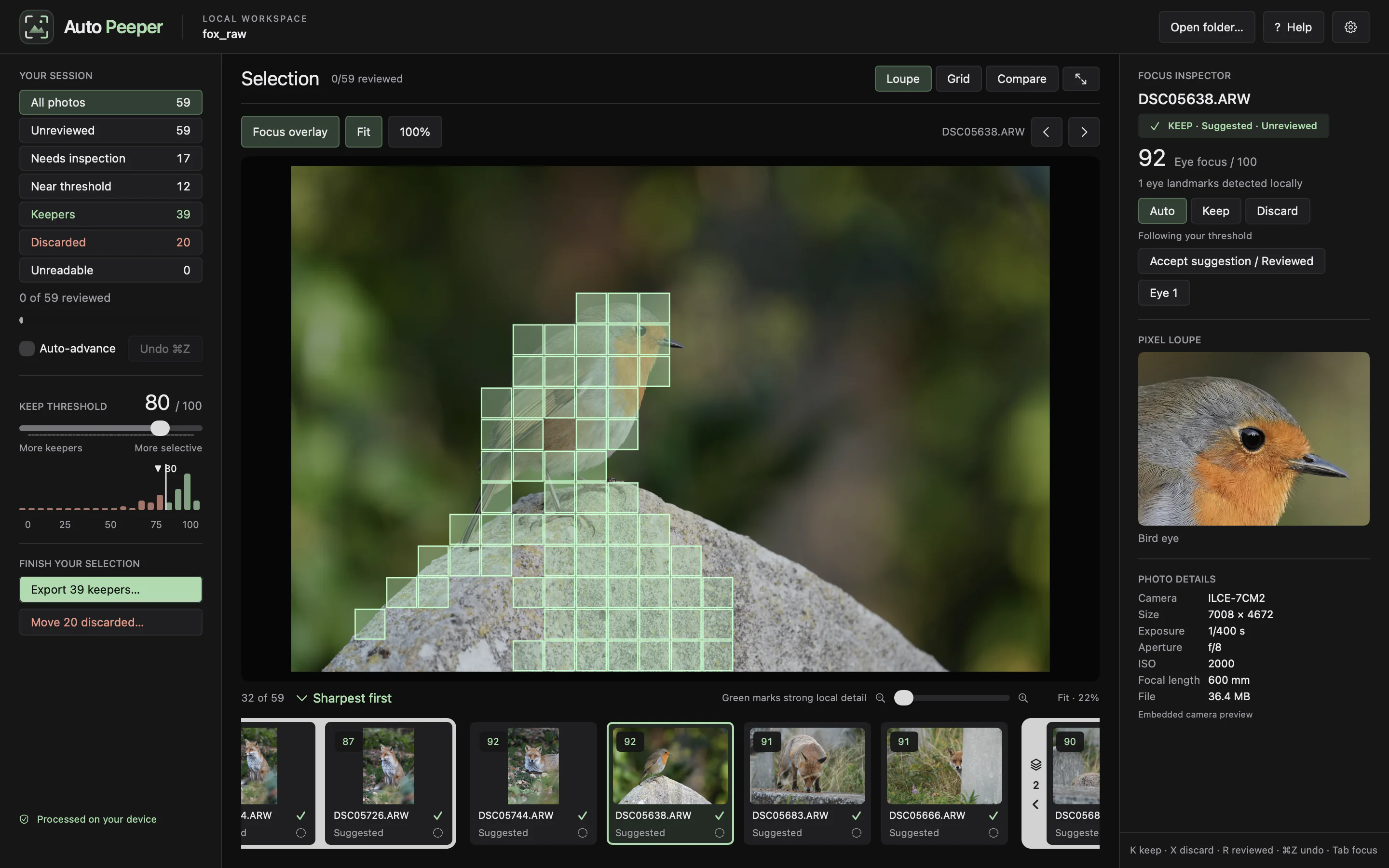
Focus overlay shows where detail actually is. Set a keep threshold; the histogram shows where your shoot lands.
03 · Smart stacking
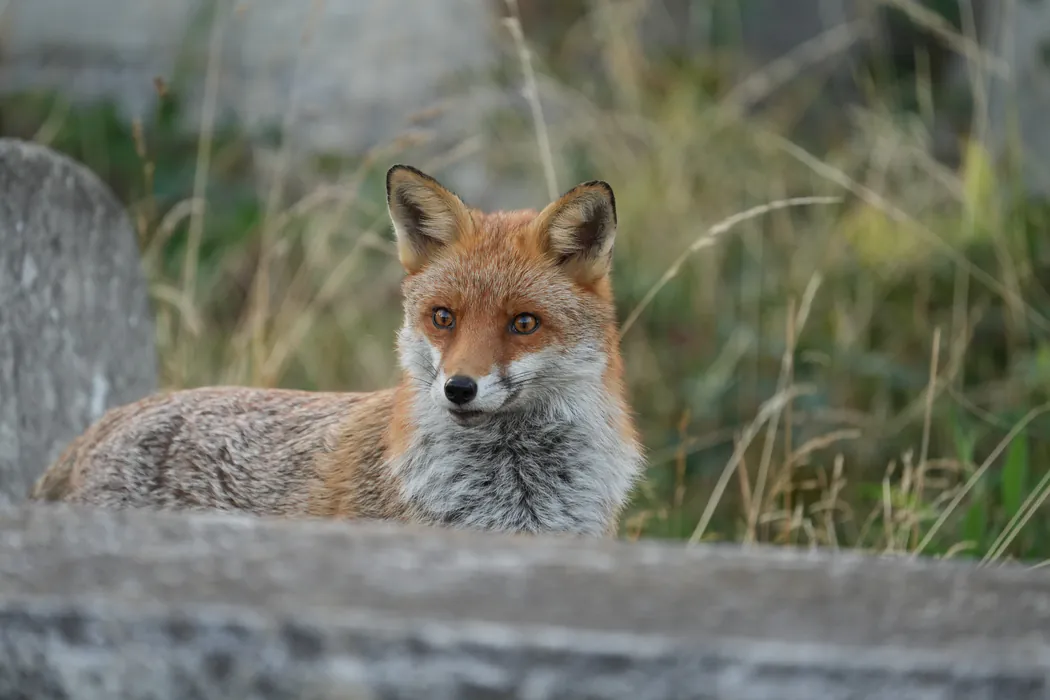
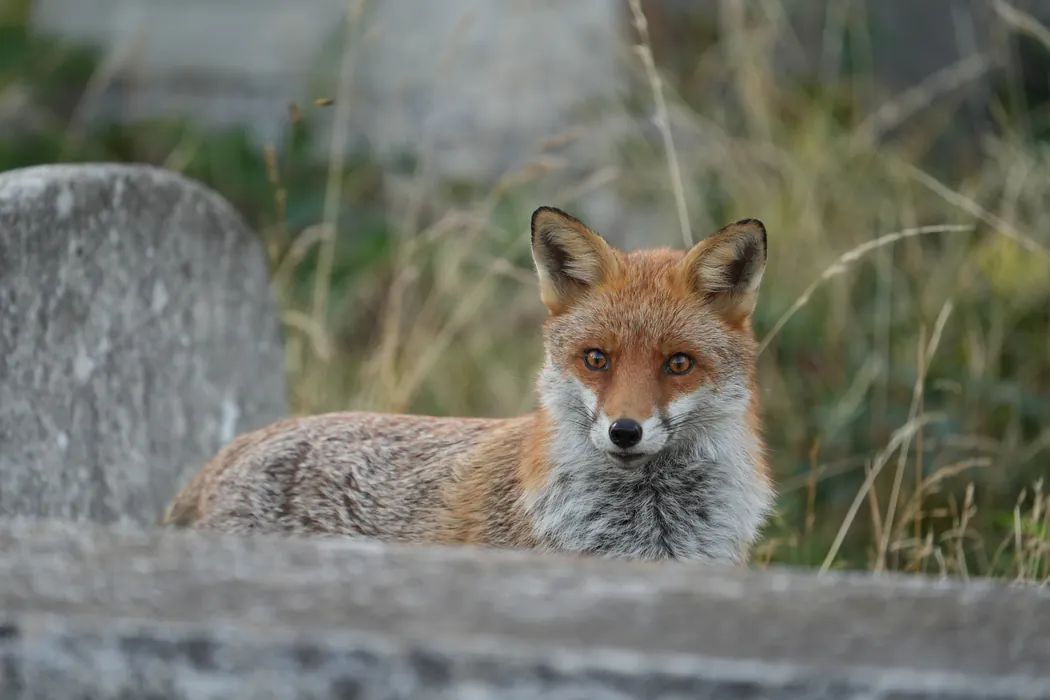
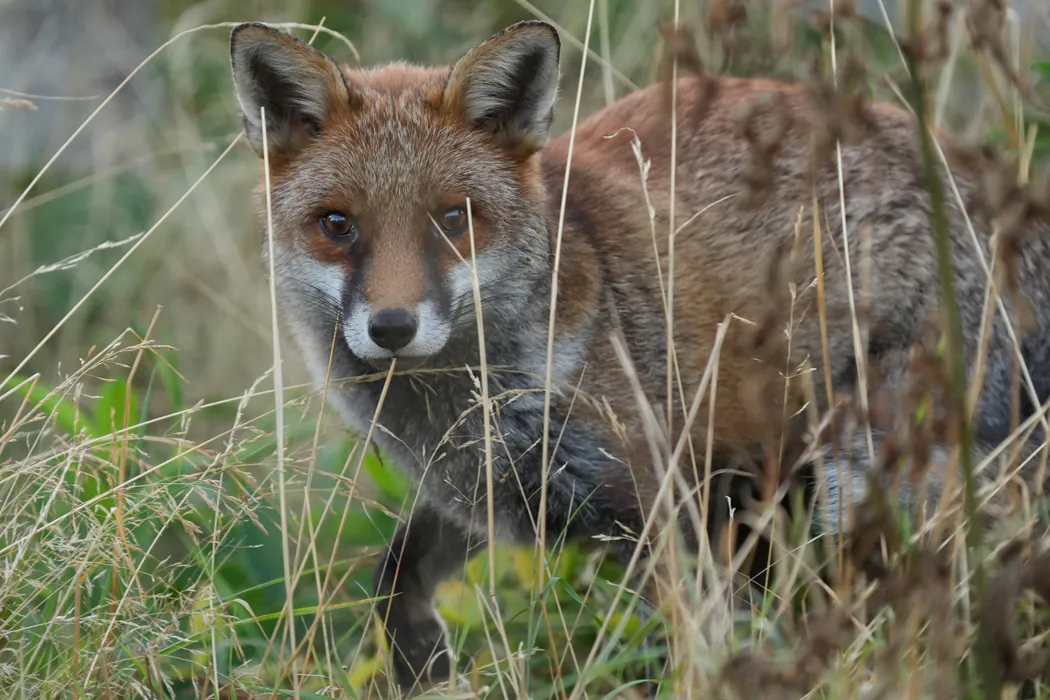
Bursts and near-duplicates group into stacks, best frame first. Grouping reads the subject's pose, not just the scene.
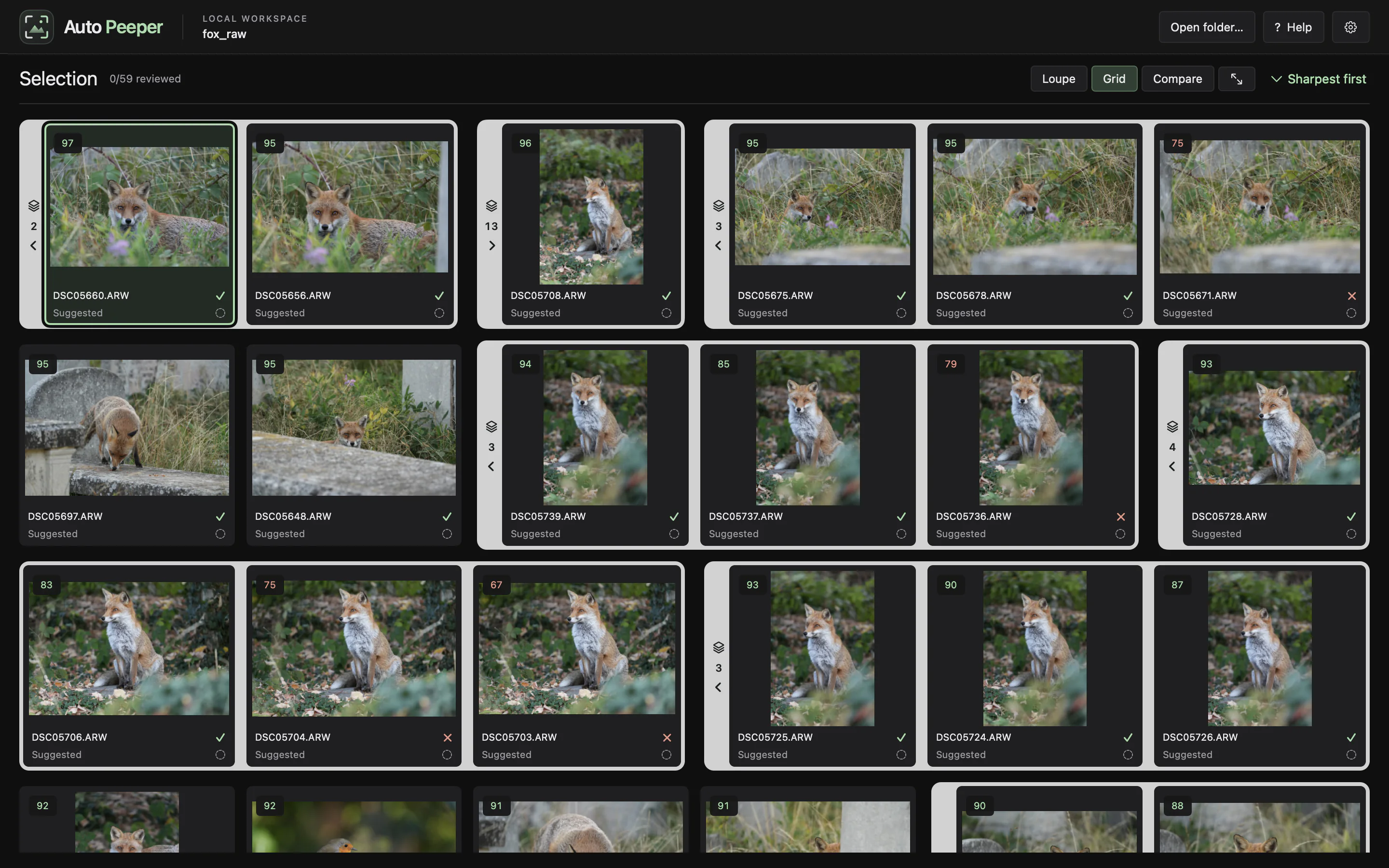
Grouping compares the subject's pose, not the pixels. Pan or zoom between shots and the frames still stack. Change the pose and you get a new stack.
1 stack Same pose, camera panned
New stack Standing in the grass
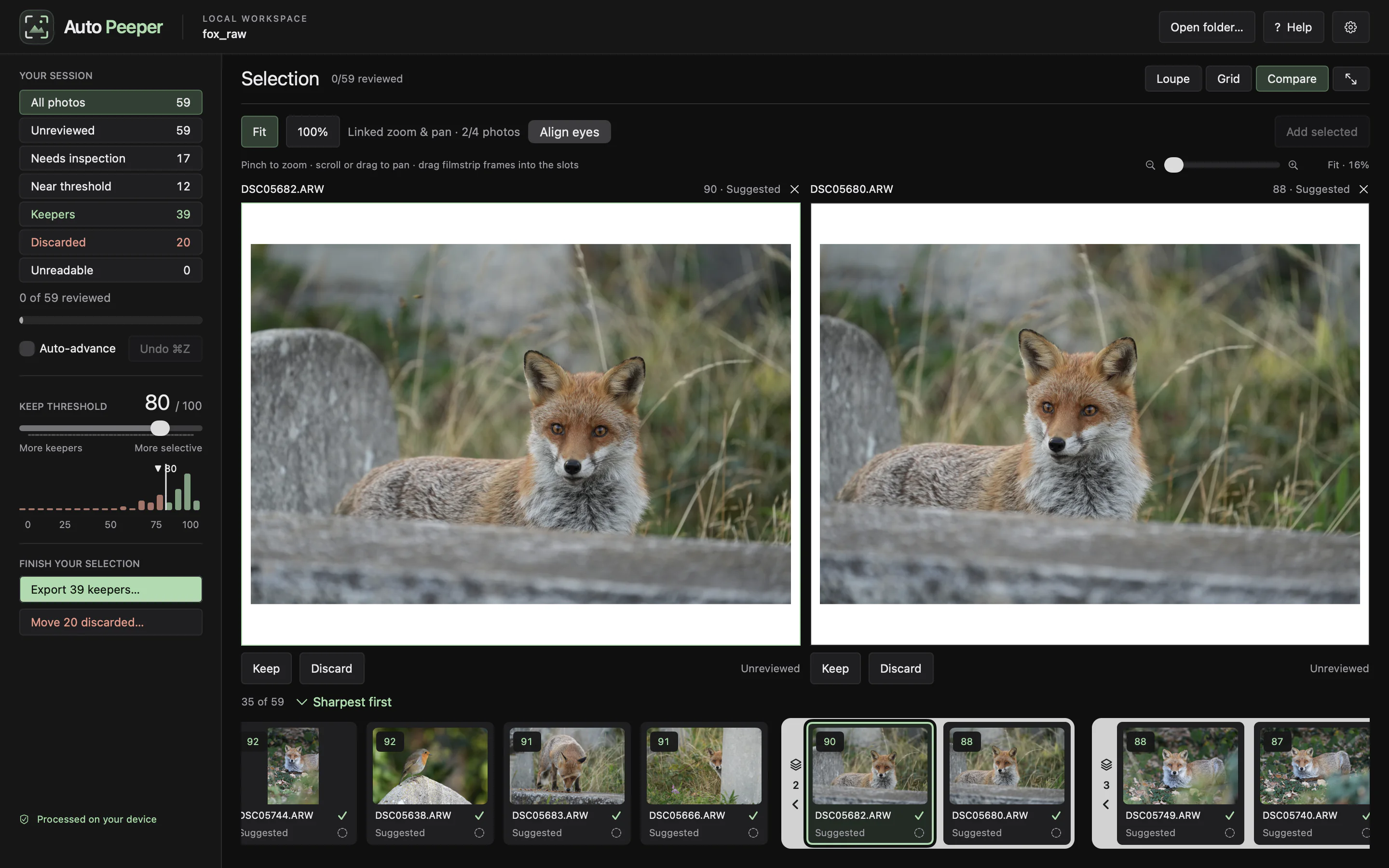
The stack opened in Compare. The best frame (90) comes first.
04 · Smart comparison
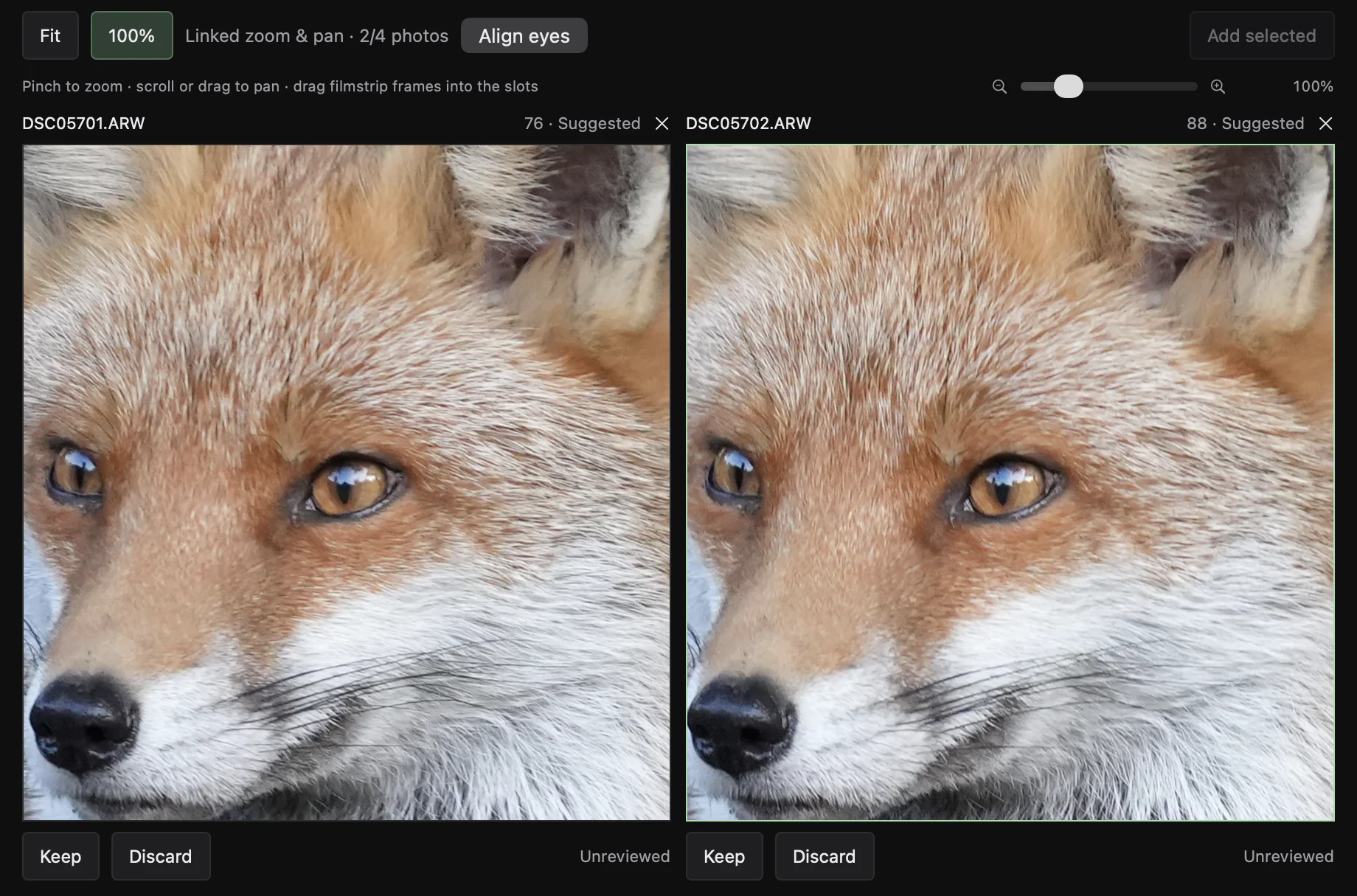
Up to four frames side by side. Zoom and pan stay linked, and every pane centers on the subject's eye, even when it moved between shots.
05 · Workflow
Review a burst without touching the mouse. Auto-advance jumps to the next frame.
Low-confidence or borderline scores get flagged for a quick check at 100%.
Hover anywhere to see native pixels. At rest it sits on the eye.
Export copies originals. Discards move to a recoverable folder, byte-verified, with undo and a restore manifest.
Analyses are saved per folder. Reopening scans only new or changed files.

Native macOS app. Apple Silicon and Intel. No account, no cloud.